Work · Figma prototype
Tic-Tac-Toe
A playable tic-tac-toe built entirely in Figma, with no code: one component with twelve variants, and the logic to know when someone has won.
Play the prototype
01Choose who starts
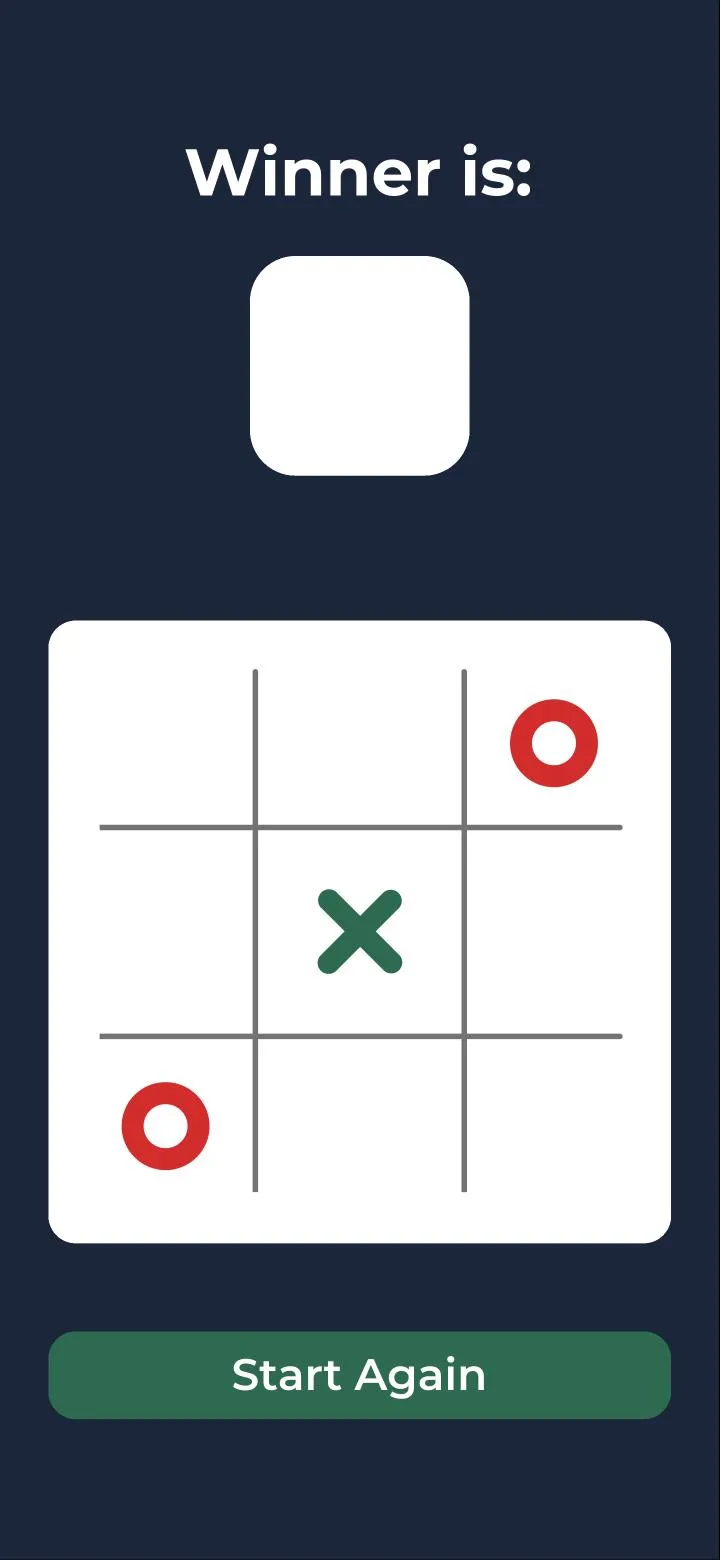
02Turns pass on their own
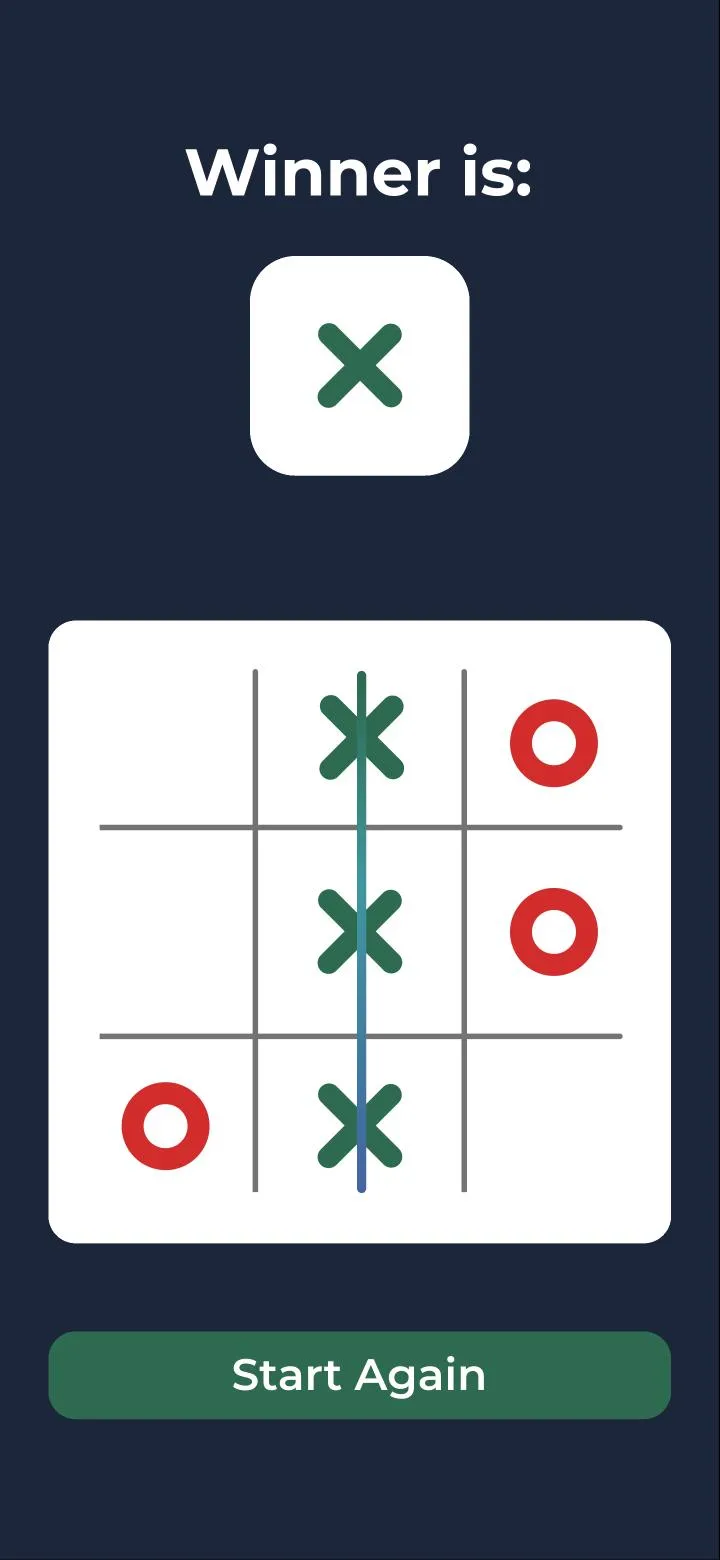
03A completed line ends it
What I was practising
Interactive components. I wanted a prototype that changes on its own, based on its state and what you tap, rather than a click-through of screens I had drawn in advance. Tic-tac-toe is small enough to finish and strict enough to expose a shortcut: every cell has to know whose turn it is, and the board has to know when the game is over.
How it works
You choose who starts. Each tap places the current player’s mark and hands the turn over. Every cell is an instance of the same component, one component with twelve variants, so the board is nine copies of one thing rather than a screen for every possible position. A single move can update the cell, the turn and, when it ends the game, the winner box. That is the state management and cross-component control I set out to practise.
The hard part
Knowing when someone had won. Placing a mark concerns one cell; a win is a fact about three cells at once, along any of eight lines. That logic was the hardest thing to get right, and it is what makes this a game rather than a drawing of one. Complete a line and a strike runs through it, and the winner appears at the top.